 HappyWan AI
Cinematic Visuals
Create scenes with atmospheric lighting, detailed textures, and a defined visual style, from a sunlit product close-up to a moody night exterior.
Wan and HappyHorse, brought together in one video model. Create HappyWan videos from text or images, with cinematic visuals, expressive motion, and control over how your scene unfolds.
Create a VideoYour video will appear here
Enter a prompt and click Generate Video to start.HappyWan combines the video-generation capabilities of Wan and HappyHorse for scenes built around your ideas. Work with lighting, movement, and visual references to give each shot the look and action you have in mind.
Create scenes with atmospheric lighting, detailed textures, and a defined visual style, from a sunlit product close-up to a moody night exterior.
Bring movement to characters, objects, and environments. Explore gestures, action sequences, and subtle changes that make a still scene feel alive.
Use image references to guide recurring faces, clothing, objects, and settings, giving related shots a recognizable visual identity.
Direct the action and composition in plain language. Set the scene, describe the camera movement, and choose what the viewer sees first.
Browse still-image references for cinematic scenes, product shots, characters, animation, landscapes, and action.
Start with an idea or an asset you already have. The HappyWan AI video generator supports different ways to develop a scene, from a written description to an image-led animation.
Turn a written idea into a video without starting with footage. Describe the subject, setting, and action, and use HappyWan text-to-video generation to develop film scenes, social clips, and visual concepts. A few lines can establish an opening shot; a fuller prompt can define the lighting, mood, and sequence of events.
Animate a photograph, character design, or illustration while using the image to establish the scene. HappyWan image-to-video generation adds action to existing visuals: a portrait turns toward the camera, fabric moves in the wind, or a product is revealed through a slow camera move. Describe what happens after the opening frame.
Give HappyWan a visual reference for the person, product, or location in your scene. Reference images help communicate details that are difficult to capture in words, including a character’s appearance, a particular object, or the design of a room. Combine those details with a new action to develop related scenes.
Shape how the scene is revealed through camera direction. Follow a moving subject, hold a wide establishing view, or move closer to a detail. HappyWan video prompts can describe framing and movement together, helping you develop shots for a storyboard, product film, or longer video sequence.
Create scenes where sound contributes to the story. Include spoken lines, environmental sounds, and background atmosphere alongside your visual description. Use HappyWan for a character exchange, a rain-soaked street, or a product moment where a click or movement has an audible part to play.
Explore live-action looks, stylized animation, and illustrated worlds within your HappyWan projects. Define a visual treatment through color, lighting, materials, and artistic direction. Keep the concept while changing the style to develop a campaign look, character sequence, or new approach to a familiar image.
Explore three ways to approach a scene. Use these prompt ideas as starting points, then adapt the subject, setting, and style to your own project.
A restrained product reveal centered on material, reflection, and a slow camera move.
A clear glass perfume bottle stands on pale stone beside a window. Afternoon sunlight passes through the glass and creates a narrow reflection across the surface. The bottle stays still as the camera slowly moves closer to the cap. Warm natural light, soft background, refined product photography, no added text.
Product launch teasers, beauty campaign concepts, and close-up inserts for a longer brand video.
A quiet moment that introduces a character through expression and atmosphere.
At dusk, a woman in a dark wool coat pauses at the open entrance of a neighborhood bookstore. She notices someone inside and gives a slight smile. Medium shot from the sidewalk. The camera stays still as warm shop light falls across her face, contrasting with the cool evening street.
Short-film storyboards, character introductions, and narrative scenes that need a small emotional beat.
Gentle character animation that carries the texture and color of the source drawing.
Animate the uploaded illustration. A small fox sits beside a tent beneath tall pine trees. A leaf drifts past, and the fox follows it with a gentle turn of its head. Fixed camera, hand-painted textures, muted autumn colors, soft movement, quiet background.
Animated story moments, character posts, and short visual scenes built from original artwork.
Go from a prompt or picture to a video in three steps.
Start with a written idea or upload a photo, illustration, or character image. Select the creation mode that matches your starting material.
Add the action, visual style, and camera movement. Choose your video settings and include sound or dialogue instructions for scenes with audio.
Generate your HappyWan video, preview the result, and download your chosen version. Continue developing the idea with another prompt or bring the clip into your video editor.
Make individual shots, animated assets, and visual concepts for the places your work will appear.
Create a HappyWan Video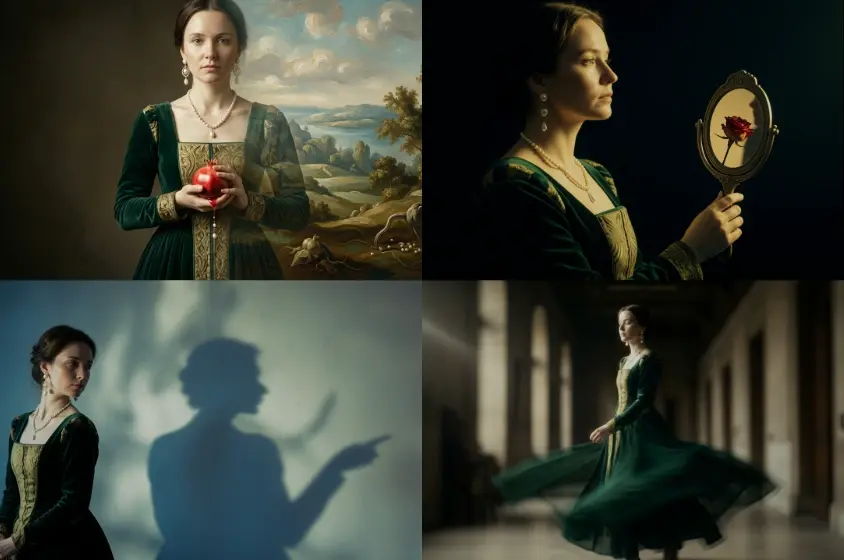
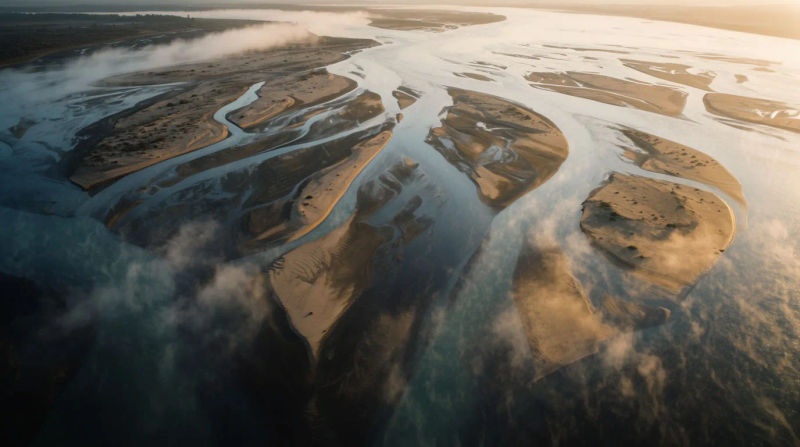
Develop a campaign concept into a scene people can watch. Create opening hooks, lifestyle visuals, and brand-film ideas for presentations and ad development. HappyWan lets you explore different creative directions before planning a full production.
Build establishing shots, character moments, and scenes from a script. Use HappyWan videos to develop a storyboard, communicate a director’s idea, or contribute footage to a longer edit. Explore how framing and atmosphere change the way a story feels.
Create animated portraits, visual reveals, and story-driven clips for short-form content. Use a single HappyWan video as a post or combine several shots with captions, voiceover, and music for a complete social edit.
Develop character entrances, environment reveals, and cutscene ideas for games and animation. HappyWan gives artists and small teams a way to explore the mood and motion of a scene before producing the final assets.
Add visual scenes to lessons, narrated stories, and explainers. Turn an abstract idea into a setting or action viewers can follow, and use HappyWan clips as supporting visuals alongside your narration, diagrams, and on-screen information.
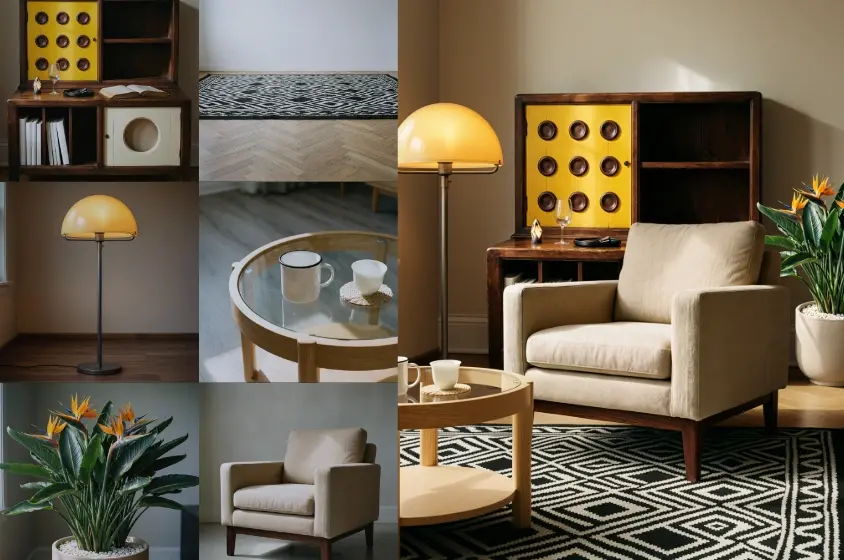
Bring product photography into motion for launch pages, online stores, and promotional content. Create detail shots, styled product scenes, and short reveals from existing images, then add the exact prices and product information in your final edit.
Explore the available plans and choose an option for occasional videos, regular content, or larger creative projects.
Pricing details are coming soon.
HappyWan is an AI video generation model that brings together Wan and HappyHorse. It combines their video-creation capabilities in one model for generating scenes from text and images, with creative direction for subjects, motion, visual style, and camera movement. HappyWan can be used for cinematic clips, product videos, character animation, and visual storytelling.
HappyWan combines the Wan and HappyHorse model lines into a unified video-generation model. The connection is at the model level, rather than simply offering two separate model names in a generator. This page focuses on the resulting HappyWan video workflow and its creative uses.
Yes. HappyWan text to video turns a written description into a video scene. Include the subject, setting, and main action, then add details such as lighting, camera movement, and visual style. You can start with a simple idea or use a more detailed prompt to establish a particular mood and sequence.
Yes. HappyWan image to video uses a photo or illustration as the starting point for an animated scene. Upload a portrait, product image, landscape, or original artwork, then describe the movement you want. This is useful when you already have the visual identity or opening composition for your video.
Reference images help guide the appearance of a character, product, or setting. Use clear images that show the details you want to carry into the scene, and explain the role of each reference in your prompt. This approach is useful for developing several shots around the same subject or visual direction.
You can describe camera behavior in your prompt, including a slow push-in, a tracking shot, a pan, or a fixed wide view. Pair the movement with a purpose, such as revealing a product detail or following a character through a location. Clear framing instructions help establish how the action should appear on screen.
HappyWan video creation can include sound instructions alongside the visual scene. Describe dialogue, ambient sound, or a particular audible action in the prompt. For a conversation, identify the speaker and the line; for an environmental scene, describe the background atmosphere you want the audience to hear.
HappyWan can be directed toward photorealistic scenes, stylized animation, and illustrated looks. Describe the materials, lighting, palette, and artistic treatment that define the style. An image reference is useful when you already have a drawing, character design, or visual example you want to build on.
Give the prompt a clear subject, one main action, and a setting. Add the camera direction and style after the central event. For example: “A cyclist stops outside a small café at sunrise. Fixed side view, warm natural light, realistic street scene.” If you want another version, change the instruction that matters most while keeping the rest consistent.
You can start by describing a scene or uploading an image, without building a timeline or animating individual frames. For a longer project, combine your HappyWan clips in a video editor and add captions, transitions, music, or branding. The generator creates the shots; your edit brings them into a finished sequence.
Write a scene, upload an image, or start with a character you have in mind. Use HappyWan to turn the idea into a video for your next story, campaign, or creative project.
Create a Video